
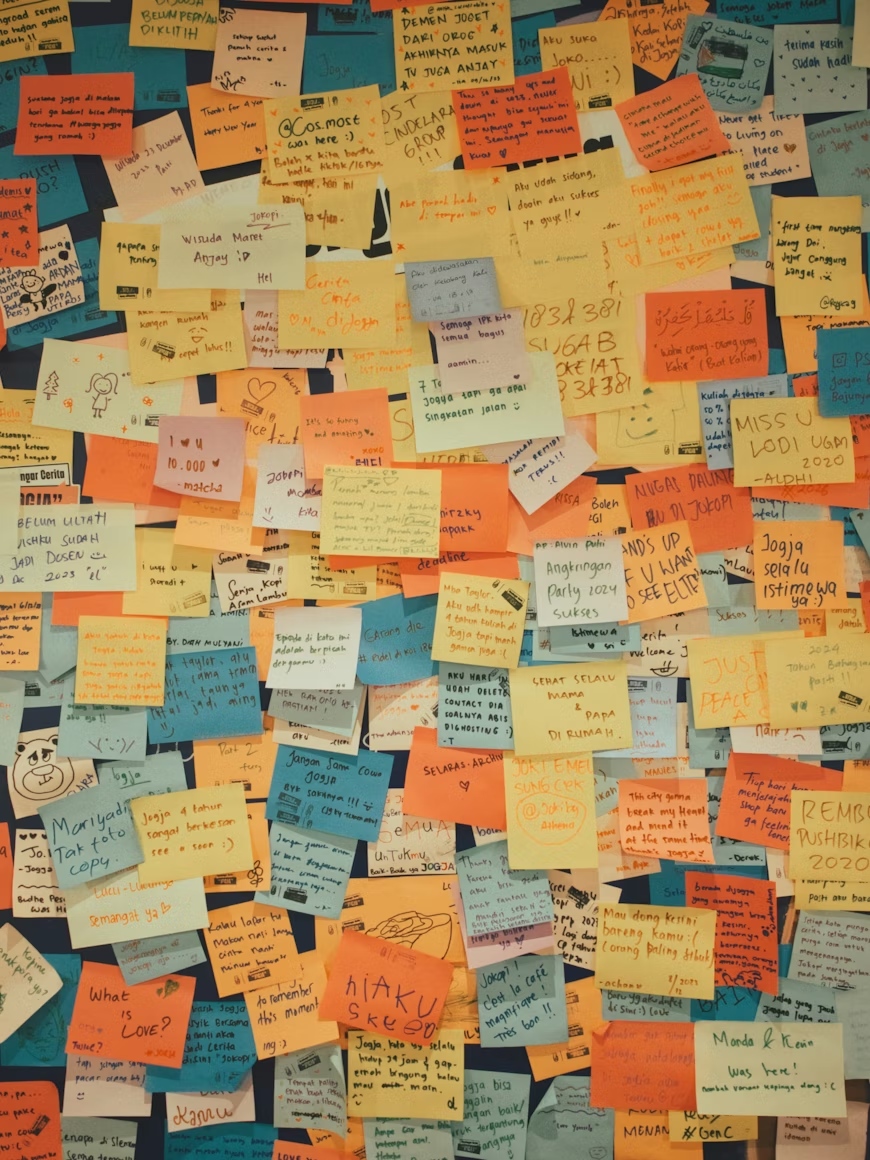
The sprint retrospective is the meeting that is most often cancelled, most often rushed, and most often reduced to a sticky-note exercise that produces the same three improvements every fortnight. That is a waste. Done well, the retrospective is the single most powerful tool a team has for getting better at its own work. It is a structured space to say out loud the things that usually stay in Slack threads or one-to-one conversations - and to turn them into something the team actually does differently next sprint.
A retrospective is not a complaint session and it is not a therapy circle. It is a disciplined inquiry into how the team is working and a commitment to one or two specific changes. Everything else is noise.
Why most retrospectives do not work
Bad retros share a small number of failure patterns. Understanding them is the first step to running better ones. The most common: no psychological safety. When team members do not feel it is safe to raise real problems, the retro stays on the surface. Polite conversation about tooling replaces honest conversation about process breakdowns, interpersonal friction, or decisions made by people in the room.
The second failure is no follow-through. Teams generate a list of improvements and then forget them the moment the sprint starts. By the next retro, the same issues surface again. After a few cycles of this, people stop believing the retro changes anything and start treating it as a box to tick. The third failure is over-facilitating the format and under-facilitating the conversation. Teams get attached to a particular set of sticky-note columns and mistake the format for the outcome.
Signs a retro is failing
Signs a retro is working
How to prepare for a retrospective
A well-run retro starts before the session opens. The facilitator - usually the engineering manager or team lead - should do a few things beforehand that make the difference between a session that gets somewhere and one that circles the same topics for an hour.
- Review last sprint's actionsPull up the actions agreed at the previous retro. Which ones are done? Which are in progress? Which were quietly abandoned? The first five minutes of the next retro should cover this. If you skip it, you signal that retro actions do not actually matter.
- Choose a format intentionallyThe standard Start / Stop / Continue format is fine but can feel mechanical over time. Rotate formats to keep the conversation fresh - but pick your format before the session, not in the room. Teams should spend the session talking about the sprint, not deciding how to structure the conversation.
- Notice what happened this sprintReview the sprint board, any incident reports, blockers that came up in stand-ups, and notes from your one-to-ones. Go into the room with a rough sense of the themes you expect to surface. This helps you facilitate towards depth rather than just recording whatever comes up first.
- Set up the spaceWhether you are in person or remote, the physical setup matters. For remote teams, a shared board (Miro, FigJam, or even a shared doc) lets everyone contribute simultaneously rather than waiting to speak. Silent writing periods produce more honest input than open verbal brainstorming.
The structure that consistently works
Regardless of which format you choose, every effective retrospective follows the same five-phase arc. The format changes the questions you ask in Phase 2. The arc stays the same.
- Phase 1 - Set the stage (5 min)Open by reviewing the previous retro's actions. Mark what is done, what is in progress, and what has been dropped with a clear reason. Then remind the team of the working agreement: what is said in the retro stays in the retro, and the goal is improvement, not blame.
- Phase 2 - Gather data (15 min)Silent individual writing, then share. Everyone adds observations to the board without discussion. This is the most important part to get right. When people write before they hear others' views, you get a broader range of perspectives. When discussion happens immediately, the first voice shapes everything that follows.
- Phase 3 - Generate insight (15 min)Group similar observations together. Identify themes. Ask why something happened, not just what happened. This is where the retrospective moves from a catalogue of observations to actual understanding. Dig into the two or three themes that feel most significant - do not try to discuss everything.
- Phase 4 - Decide what to do (10 min)From the themes, agree one to three specific actions. Each action needs a named owner and a target date. Resist the urge to generate a long list. Five vague intentions are worth less than one specific change the team will actually make.
- Phase 5 - Close the retro (5 min)Read back the agreed actions. Check that every owner understands and accepts their commitment. End by asking the team to rate the retrospective itself on a scale of one to five. Use this signal over time to improve your facilitation.
Timing for a standard 60-minute retro
Formats worth rotating between
Running the same format every sprint is one of the easiest ways to make retros feel stale. The questions you ask shape what people notice and share. Rotating formats surfaces different aspects of the team's experience and keeps the conversation from calcifying into ritual. Here are four formats that work well across different team contexts.
Three columns: things to start doing, things to stop doing, things to keep. Simple and fast. Works well when there are clear behavioural changes to make. Risks becoming a surface-level wishlist if not pushed into root causes.
Opens with what went well before moving to gaps. Liked and Learned tend to produce genuine reflection rather than just praise. Lacked surfaces gaps in support, tooling, or process. Longed for captures aspirations the team does not know how to raise otherwise.
The team is a sailboat heading towards a goal. Wind is what is helping. Anchors are what is slowing things down. Rocks are risks ahead. The island is the goal. Slightly more metaphorical but often produces richer conversation about direction and obstacles than a pure observation format.
Starts with emotional truth rather than process observation. Mad surfaces frustrations that teams often suppress to stay professional. Sad names disappointments. Glad captures genuine positives. Useful after incidents, missed deadlines, or significant scope changes.
The format is a container, not the point. Whatever you choose, the facilitator's job is to guide the conversation towards depth. "What made that difficult?" and "What would have needed to be different?" are almost always more useful follow-up questions than recording more observations. For a curated list of questions to use across these formats, see 30 retrospective questions teams actually answer.
How to facilitate rather than just moderate
There is a difference between moderating a retro - keeping time, making sure everyone gets a turn - and facilitating one. Facilitation means actively shaping the quality of the conversation. It means noticing when the team is being politely surface-level and asking the question that gets below it. It means protecting quieter team members from being drowned out. It means redirecting energy from blame to understanding without dismissing the frustration underneath.
- Use silent writingBefore anyone shares observations out loud, give three to five minutes for everyone to write independently. This produces more diverse input, prevents the first speaker from anchoring the entire conversation, and gives introverts equal footing. It also slows the room down enough to reflect rather than just react.
- Group before you discussOnce everything is on the board, cluster similar observations together before opening discussion. This step surfaces themes and prevents the conversation being captured by the first issue that gets spoken about loudly. Vote on which clusters to focus on if you have more themes than time.
- Ask why, not just what"We had too many interruptions" is an observation. "Why did interruptions increase this sprint? What changed? What would need to be different?" is a conversation. The difference between a retro that produces insight and one that produces a complaint list is almost always whether the facilitator kept asking why.
- Protect the roomIf someone dominates the discussion, draw others in explicitly: "We have heard from half the room. Before we move on, is there anything others want to add?" If someone raises a genuine concern, resist the instinct to immediately defend or explain. Acknowledge it first. People disengage from retros when they feel their observations are immediately managed rather than genuinely heard.
- Separate discussion from solutionOne of the fastest ways to short-circuit a retro is to jump to solutions before the problem is properly understood. When someone proposes a fix mid-discussion, note it and park it. Come back to solutions in Phase 4, when the full picture of what happened is clear.
Making actions actually stick
The retrospective session is only useful if something changes as a result. Most teams understand this in theory and fail at it in practice. The root cause is almost always that retro actions are treated differently from other work commitments - they live in a separate doc, have no owners, and never surface again until the next retro.
Treat retro actions like any other team commitment. Assign each one to a specific person. Give it a target date. Add it to wherever your team tracks work - your sprint board, your shared action list, your regular catchup agenda. If someone owns an action, check on it in your next one-to-one with them. Not as accountability pressure, but as genuine support: "How is the documentation review going? Is there anything blocking it?"
Retro action checklist
Limit the number of actions. Two or three specific changes that actually happen are worth infinitely more than twelve aspirational items that do not. When the team generates a long list, use dot voting or a quick show of hands to agree which two or three to prioritise. The rest can be noted as "for consideration" and revisited in a future retro if the priority ones are resolved.
The single most important signal that your retrospective culture is working is the review at the start of each session. If the team regularly closes out its previous actions before the next retro, the loop is closing. If actions are consistently left open, that is worth a conversation of its own - not about individual accountability, but about whether the team has the capacity and intent to improve. For more on why retrospectives matter as a practice, see our full guide on building a continuous improvement habit.
Frequently asked questions
Keep retrospective actions visible
Capture actions from every retro with clear owners and due dates. Connect them to your team context so nothing falls through the gaps.